
Translation Apps That Work Well on Uganda Safari
The honest starting point for any conversation about translation apps for Uganda safari travel is that you will need them far less than you might expect, since English is Uganda’s official language and every guide, ranger, lodge manager, and airport official you deal with communicates in English as a matter of routine. That said, a good translation app still earns its place on your phone, whether for a spontaneous conversation at a rural market, a warm exchange with a homestay host during a village visit, or simply the pleasure of understanding a shop sign or a menu written in Luganda or Swahili rather than English. This guide looks at which apps genuinely hold up once you are away from reliable internet, which languages they actually cover well, where the gaps are, particularly around Luganda, and how to set everything up before you leave so you are not troubleshooting a download in the middle of a national park with no signal.
Why You Need These Apps Less Than You Think
Before recommending any specific app, it is worth being clear about the baseline. Uganda’s tourism industry has operated in English for decades, and every element of a typical safari, from your pre-trip correspondence to your daily briefings with a driver-guide, happens in English without difficulty. This means a translation app is not a safety net in the way it might be in a country where English is rarely spoken, and you should not feel that your trip depends on getting the technology right. What a good app adds instead is warmth and reach beyond the tourism circuit itself, letting you greet a market vendor in Luganda, read a handwritten sign at a roadside stall, or have a slightly richer conversation with a local family during a community visit than English alone would allow.
Google Translate: The Strongest All-Round Option
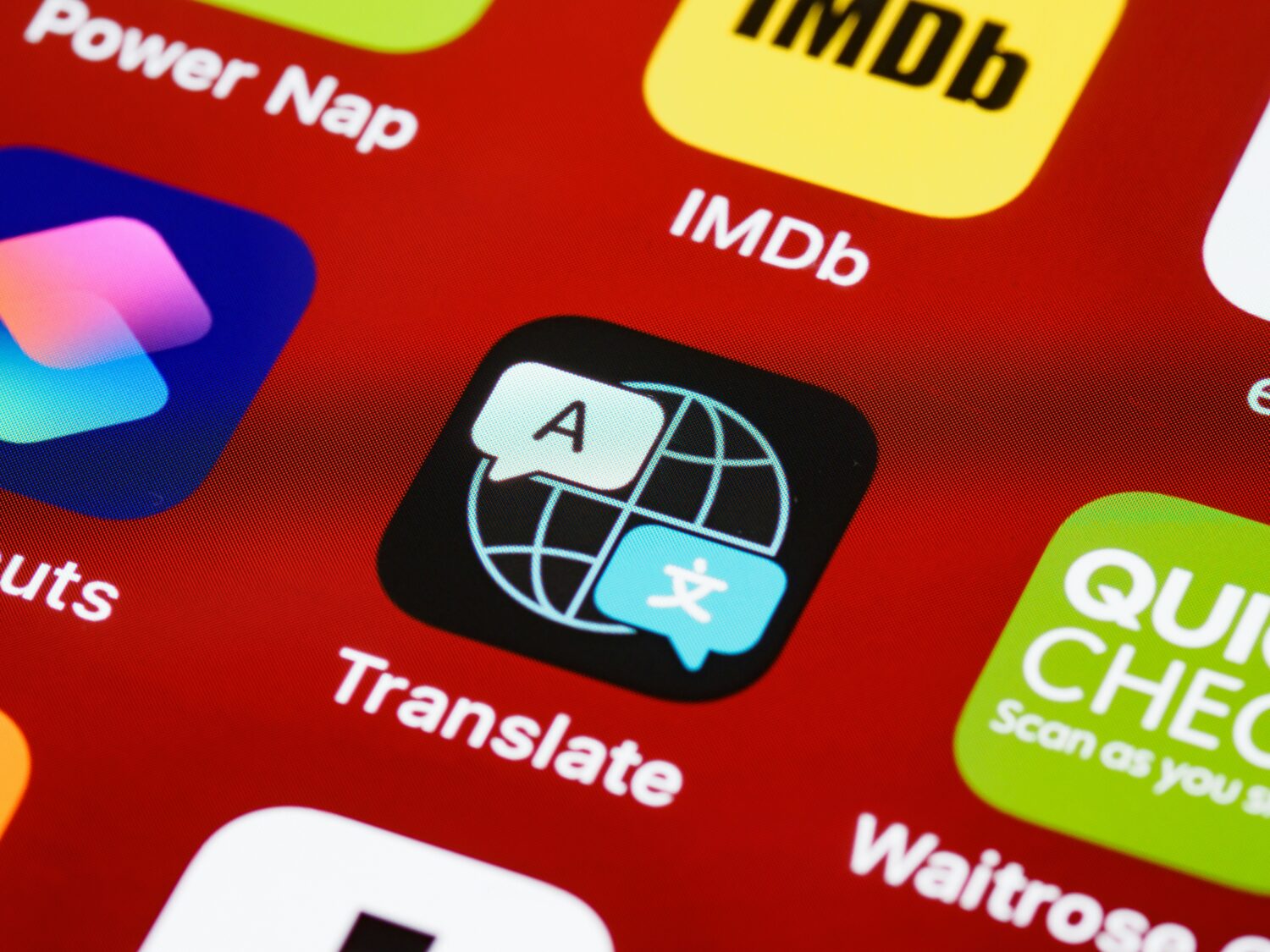
For most travellers, Google Translate remains the most capable general-purpose app to bring on a Uganda trip, and its Swahili support is genuinely solid. The app allows you to download Swahili as an offline language pack before you leave home, which means text translation continues to work even with no signal at all, a real advantage once you are deep inside Murchison Falls National Park or Queen Elizabeth National Park, where mobile coverage thins out considerably. Google Translate’s camera translation feature, which overlays a live translation directly onto text seen through your phone’s camera, works well for signage and menus, though it performs noticeably better with a live internet connection than in fully offline mode, so it is worth treating as a bonus feature for towns and lodges with WiFi rather than something to rely on deep in a park. The conversation mode, which listens to both sides of a spoken exchange and translates back and forth, is genuinely useful for a slightly longer exchange with someone who speaks Swahili but not English, though it also depends on a data connection to perform at its best.
Microsoft Translator: A Strong Backup with Similar Offline Support
Microsoft Translator is worth having as a second option, particularly since it also supports Swahili with a downloadable offline language pack, giving you a genuine fallback if Google Translate’s app misbehaves or you simply prefer its interface. Its conversation feature works in a similar way to Google’s, allowing two people speaking different languages to hold something close to a real exchange through the app, and it has the added benefit of working reasonably well across a wider range of devices and operating system versions, which matters if you are travelling with an older phone. Neither app differs dramatically from the other in day-to-day use, and having both installed, with Swahili downloaded for offline use in each, gives you redundancy without any real downside beyond a small amount of storage space.
The Luganda Gap in Mainstream Translation Apps
This is the point where most travellers researching translation apps for Uganda safari run into a genuine limitation. Luganda, despite being Uganda’s most widely understood language after English and the de facto lingua franca of the central region around Kampala and Entebbe, is not supported as a full offline language pack in Google Translate or Microsoft Translator at the time of writing. A handful of smaller, dedicated Luganda translation apps do exist on both the Google Play Store and Apple’s App Store, offering English-to-Luganda and Luganda-to-English translation with pronunciation support, and these can be a useful addition to your phone. However, because they are built by small independent developers rather than the major platforms, quality and reliability vary considerably from app to app, and few offer the same robust offline functionality that Google Translate and Microsoft Translator provide for Swahili. The most practical approach is to treat these Luganda apps as a supplement rather than a primary tool, useful for looking up an individual word or checking a phrase out of curiosity, while leaning on a small set of memorised Luganda greetings, of the kind covered in our companion phrasebook guide, for the actual moments of conversation on the ground.
Setting Up Before You Leave Home
The single most important step for making any translation app useful in Uganda is downloading your offline language packs before you leave home, ideally over a strong WiFi connection rather than mobile data, since these downloads can be sizeable. Open Google Translate’s settings, find the offline translation section, and download the Swahili pack, then repeat the same process in Microsoft Translator if you have installed it as a backup. Test both apps in airplane mode before you travel to confirm the offline packs are actually working, since a download that appears to have completed can occasionally fail silently. This preparation matters more in Uganda than in many other safari destinations, since mobile signal, while reasonably good in Entebbe, Kampala, and larger towns, becomes patchy or absent for long stretches inside the national parks themselves, precisely where a working offline app is most useful.
Mobile Connectivity on a Uganda Safari
Understanding Uganda’s mobile network landscape helps explain why offline mode matters so much. MTN Uganda and Airtel Uganda are the country’s two dominant mobile networks, and both offer reasonably strong coverage across Entebbe, Kampala, and the main towns along typical safari routes, along with affordable local SIM cards or eSIMs that are simple to activate on arrival at Entebbe International Airport or in Kampala. Coverage inside the national parks themselves is a different story, ranging from a workable signal near park headquarters and some lodges to no signal at all in more remote sections of Murchison Falls National Park or during a Bwindi gorilla trek deep in the forest. Most safari lodges provide WiFi in communal areas, which is generally sufficient for messaging and light browsing, though speeds can be modest, and this is exactly the kind of intermittent connectivity that makes offline-capable translation apps worth the small setup effort before you travel.
Using Translation Apps Respectfully on the Ground
There is a genuine etiquette to how you use a translation app in the moment, and it is worth thinking about before you are actually standing in front of someone. Pulling out a phone and holding it up mid-conversation can occasionally feel a little impersonal, especially compared with simply attempting a greeting in Luganda or Swahili yourself and accepting a slightly imperfect pronunciation. A good middle ground is to lead with a spoken greeting, whether in English or in one of the Luganda phrases covered in our companion phrasebook guide, and reserve the app itself for genuinely longer or more complex exchanges, such as understanding detailed directions from a local resident or having an extended conversation during a village or homestay visit. Guides and rangers, who work in English every day, rarely need or expect you to use a translation app with them at all, so save the technology for the moments outside the core safari itself, where it adds the most value.
Practical Scenarios Where These Apps Genuinely Help
The situations where a translation app earns its keep on a Uganda trip tend to cluster around a handful of predictable moments. A visit to a local market in Kampala or a smaller town, where vendors may default to Luganda or Swahili rather than English, is one of the more common scenarios, and having Google Translate ready with Swahili downloaded can smooth a price negotiation or a simple purchase. A community or cultural village visit, often built into itineraries around Bwindi or Kibale, is another good example, since these visits are specifically designed to connect visitors with local life beyond the safari circuit, and a translation app can deepen an exchange that would otherwise rely entirely on your guide’s interpretation. Reading a handwritten sign, a bus timetable, or a restaurant menu written primarily in Swahili is a smaller but genuinely useful case for the camera translation feature, particularly once you have WiFi at a lodge and can use the feature at its full capability rather than in offline mode.
Planning the Rest of Your Uganda Safari
Getting the technology side of your trip sorted, from a local SIM card to a properly downloaded offline translation pack, is a small but genuinely useful piece of preparing for a Uganda safari, and it sits alongside the bigger logistical pieces that our team helps travelers with every day. At Murchison Falls Park Safari, we build complete itineraries that account for exactly this kind of practical detail, from confirming where mobile signal is reliable along your route to coordinating gorilla and chimpanzee trekking permits, airport transfers, and a well-paced circuit through Murchison Falls National Park, Queen Elizabeth National Park, and Bwindi Impenetrable Forest.
If you are still preparing for your trip, take a look at our companion guide to essential Luganda and Swahili phrases for a Uganda safari, our detailed breakdown of the Uganda e-visa process, and our broader first-timer’s guide to planning a Uganda trip, all available on murchisonfallsparksafari.com. These articles pair naturally with this translation app guide and help you approach every practical detail, language and connectivity included, with confidence well before you leave home.
Ready to plan your Uganda safari with the practical details already sorted? Reach out to our team at Murchison Falls Park Safari today, and we will help you confirm your visa, book your gorilla or chimpanzee permits, and build a tailor-made itinerary through Uganda’s parks, so the only thing you need your phone for is the occasional photo of a tree-climbing lion.